I turned a crowded article page into a shared product system
How I used research, collaborative workshops, and AI-assisted coded prototypes to align Editorial, Revenue, Product, and Engineering around one article experience.
Outcome
Positive movement on both goal metrics, with no guardrail regressions.
Section 1 · The problem
One page. Many owners.
The article page is AP's real front door: 60% of visits land directly on an article, compared with 5% on the homepage.
But the experience had grown module by module. Every team had a valid goal; no one owned how those goals composed into a single read.
Control
The page as readers encountered it, mobile and desktop 1234
1234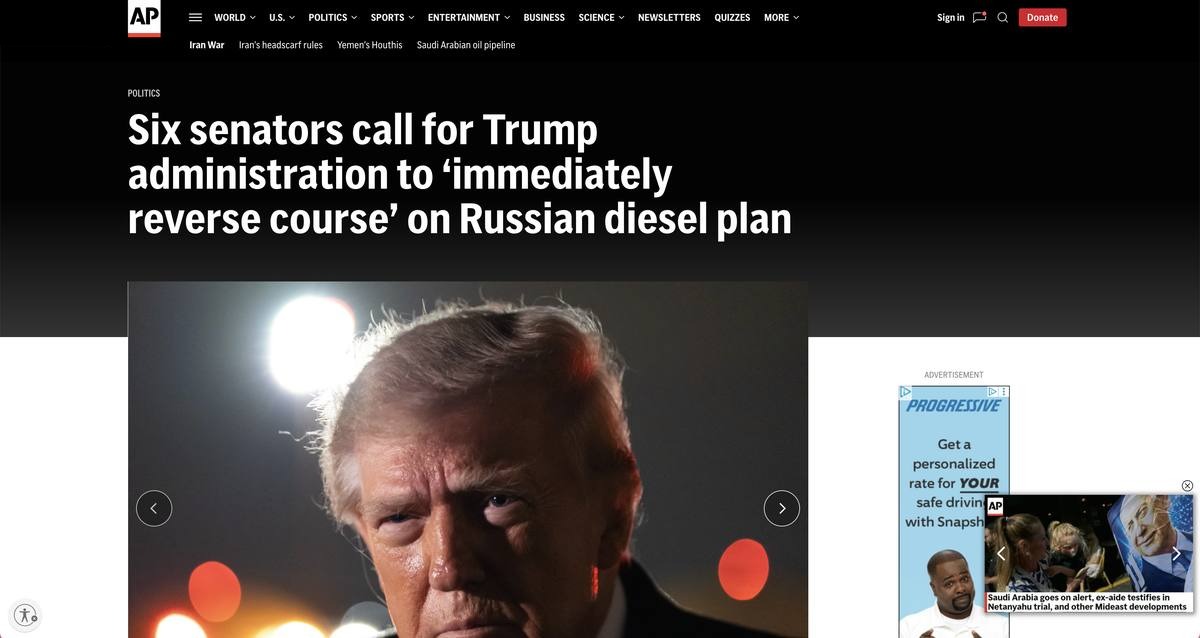 1234
1234| Team | Legitimate goal, competing for the same space |
|---|---|
| Editorial | Protect the story, clarity, and trust. |
| Revenue | Balance advertising and Donations without overwhelming the read. |
| Product | Connect Design and Development through a shared system. |
| Audience | Create useful paths into newsletters and the next story. |
The problem was not that the page had too many goals. It was that the goals were designed separately.
Section 2 · Research
Listen before layout.
I separated reader needs from organizational needs, then looked for the tension they shared. Six user interviews showed how the page felt. Ten stakeholder interviews explained why it had become that way.


Readers wanted a clearer start.
They needed quick orientation, fewer competing elements, and media that supported the story instead of sitting on top of it.


Teams optimized their own moment.
Editorial, Ad Ops, Donations, Product, and Audience each had legitimate requirements, but no shared model for sequencing them.
Shared signal
The opening had to earn attention before the page asked for action.
Section 3 · Designing the collaboration
I built the room a design tool.
For two 90-minute workshops, I created a kit of reusable article components in Figma. Participants could build a desktop article, translate it to mobile, and feel the cost of every decision.
The wireframes made abstract priorities concrete: if a team moved an ask up, something else had to move down.
Participant builds
FigJam boards from the workshops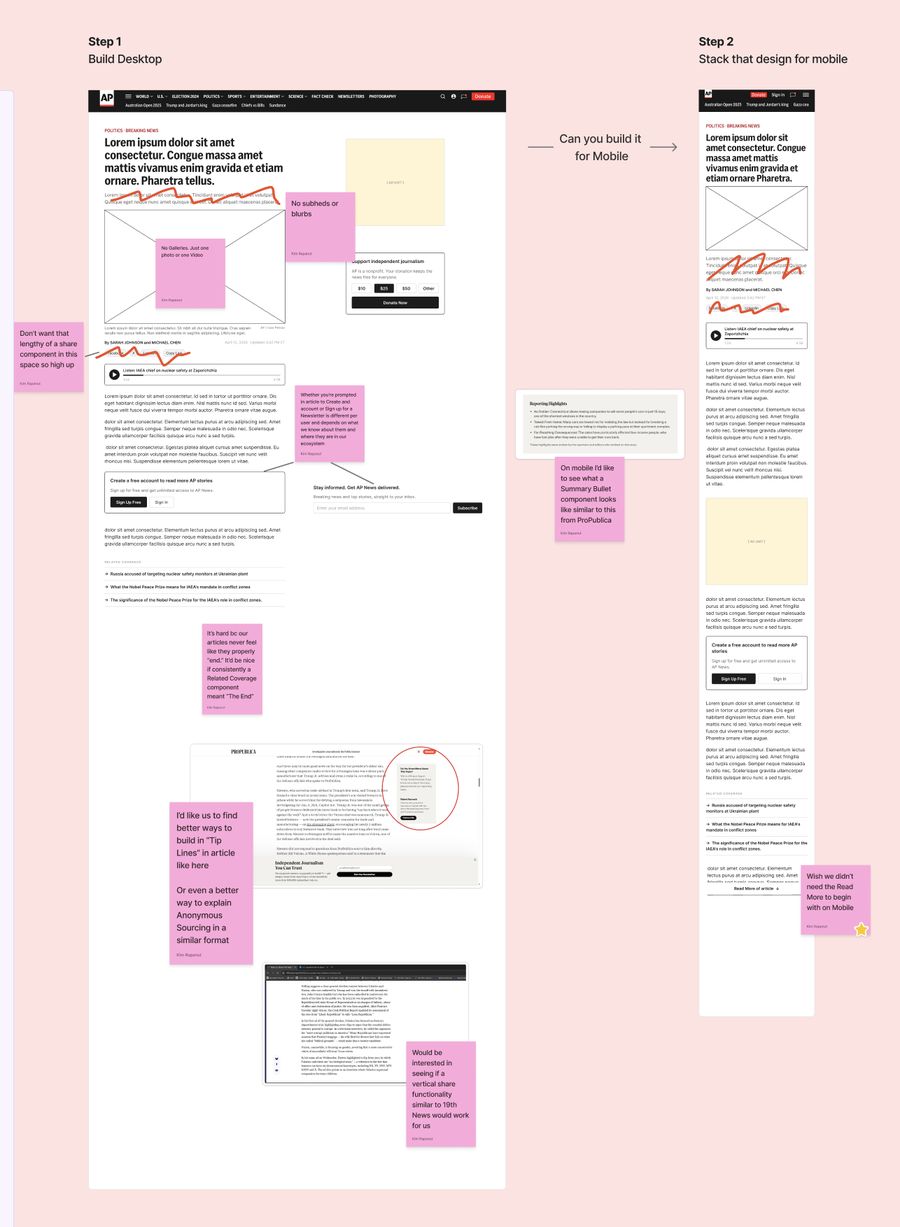
Protect the opening
Reduce what appears before the reporting begins.
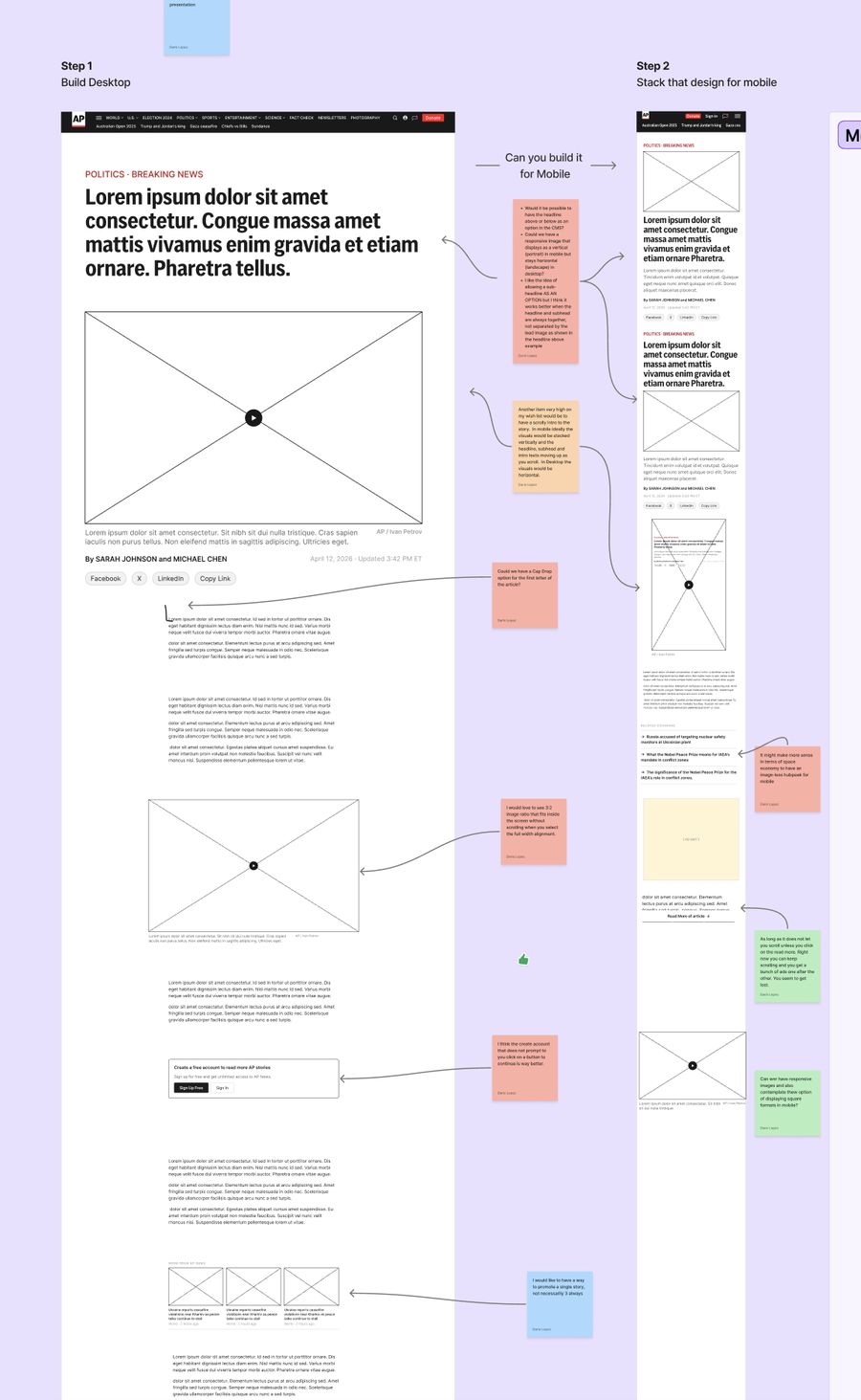
Support the story
Use imagery to create rhythm without overtaking the opening.
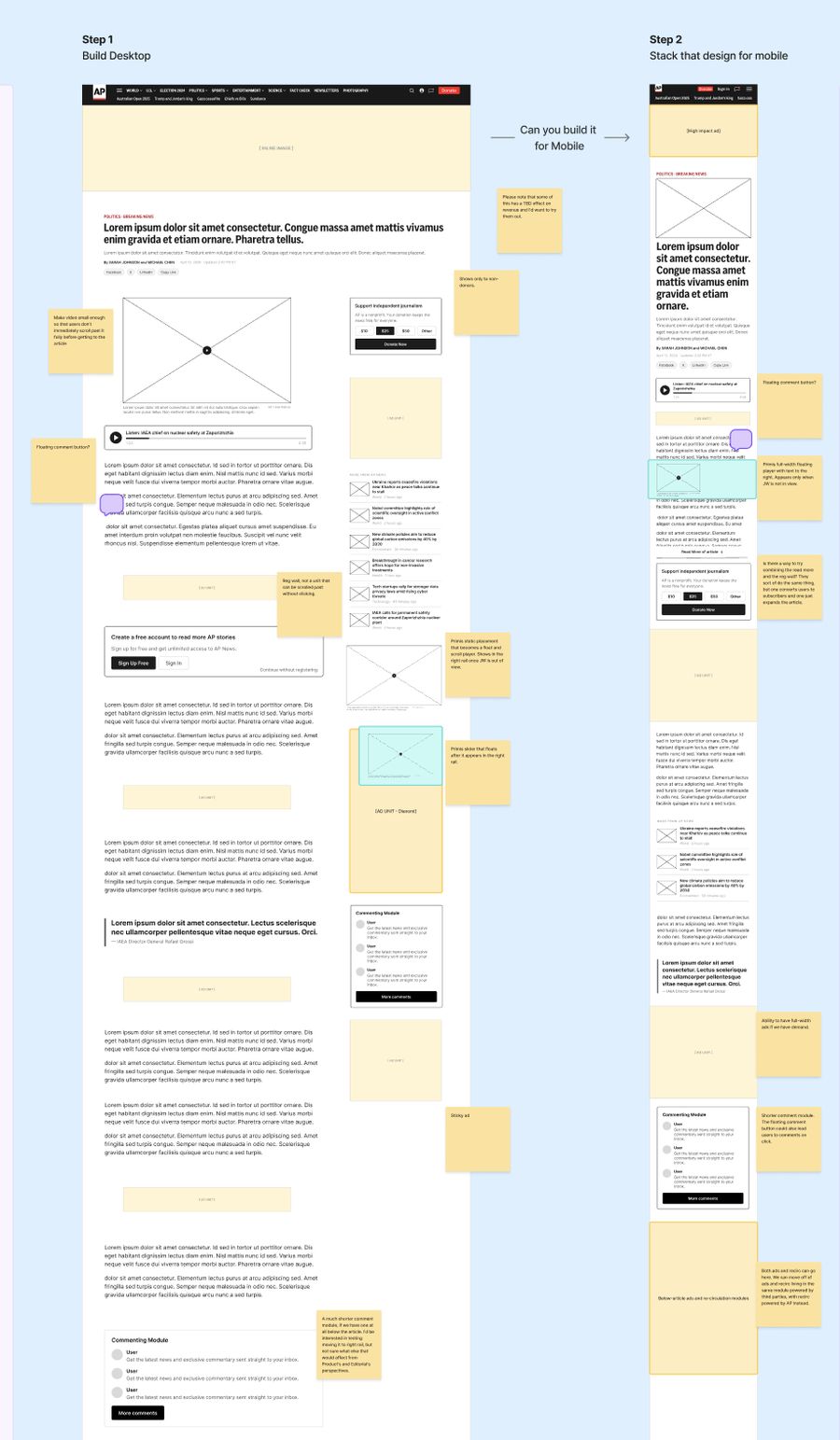
Place asks with intent
Make commercial moments work with reader momentum.
What the room revealed
The teams did not need fewer goals. They needed one composition.
Seven participants independently protected the opening. Four matched the ask to the reader relationship.
Section 4 · Design decisions
Measured, not styled.
Three decisions carried the reading experience: how long a line of text runs, how much air sits around anything that is not text, and where the Primis player lives, the video advertising and recirculation unit that runs on every article. Each was settled by comparison and measurement rather than by preference, then verified in the build.
The same values went to Ad Ops, because a placement rule written in paragraph counts drifts the moment paragraphs get taller.
Line length
How we landed on 624px
Body copy at base size, compared against today's AP standard, AP Live Blog, and two peers. Bar length is text column width, scaled to the widest.
Measured on the live prototype at 624px: the longest line runs 76 characters, the average full line 71. Today's page runs 87.
Proposed direction
The column stops at 624px.
From 1024 up, the text column holds at 624px however wide the screen gets. The extra width goes to margins and the rail, not to the line.
Two steps of spacing
Content responsive tokens, drawn at real pixel heightGaps drawn at real pixel height, widths scaled to fit. Each gray bar is one line of text: 24px rhythm on mobile, 27px on XL.
| Token | Used for | Under 1024 | 1024 and up |
|---|---|---|---|
| Default | Paragraph to paragraph | 16px | 24px |
| Expanded | Paragraph to next H2 | 24px | 40px |
| Generous | Paragraph to module or ad, both sides | 32px | 48px |
| Screen margins | Page gutter | 20px | 40px |
| Fixed default | Component padding, never scales | 16px | 16px |
How it holds
Generous minus Default
A module carries its own margin of Generous minus Default, so whatever sits above it, the total always lands on Generous at every breakpoint.
Proposed direction
Ads are a slot, not an exception.
Ads, pull quotes, audio and images all count as inserted units and share one placement rule. That is how a minimum run of text between any two units becomes enforceable in code rather than agreed in a meeting.
Checked against the standards, not against my eye.
| Standard | Source | Target | Mobile · 412px | XL · 1440px | Result |
|---|---|---|---|---|---|
| Line length | Bringhurst, Baymard | 45 to 75 characters | Avg 47, longest 53 | Avg 71, longest 76 | Meets |
| Line length ceiling | WCAG 1.4.8 (AAA) | 80 characters max | 53 | 76 | Meets |
| Line height | WCAG 1.4.8 (AAA) | At least 1.5 times type size | 1.5 (24px) | 1.5 (27px) | Meets |
| Paragraph spacing | WCAG 1.4.8 (AAA) | At least 1.5 times line spacing | 40px against 36 needed | 51px against 40.5 needed | Meets* |
| Body size | Material, Apple HIG | 16px or larger | 16px | 18px | Meets |
| Text contrast | WCAG 1.4.6 (AAA) | 7:1 or higher | 17.6:1 | 17.6:1 | Meets |
| Reflow at 320px | WCAG 1.4.10 (AA) | No sideways scrolling | Article passes, comments overflow 21px | n/a | Fix in comments |
*Measured baseline to baseline. Under a stricter reading that counts only the empty gap, both sizes fall short. This is a AAA criterion, so it is not required for compliance, and I would rather show the asterisk than round it off. The one real failure sits outside the article: at 320px the Report button in each comment pushes the page 21px wide.
Where Primis lives
A video advertising and article recirculation unit. Mobile, captured from the prototypes on apnews.designLive page: the player floats
 Primis
Redesign: the player docks
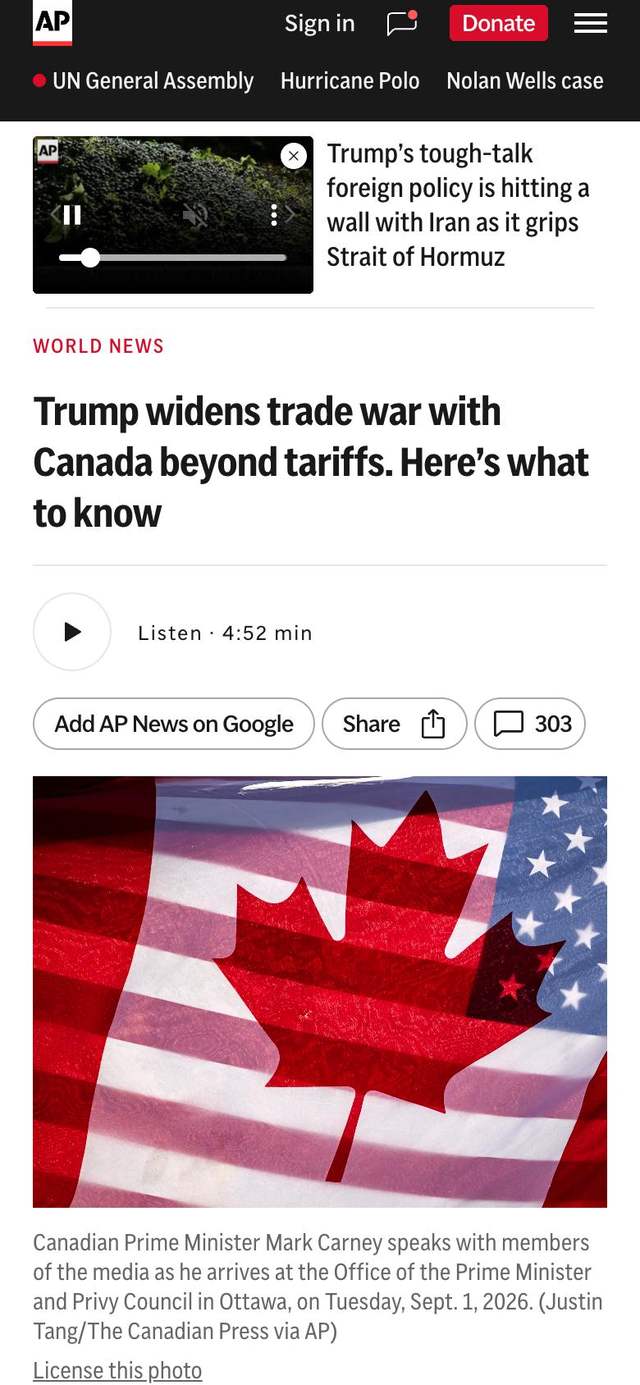 Primis
Desktop
Where the float costs inventory rather than textLive page: float over the rail
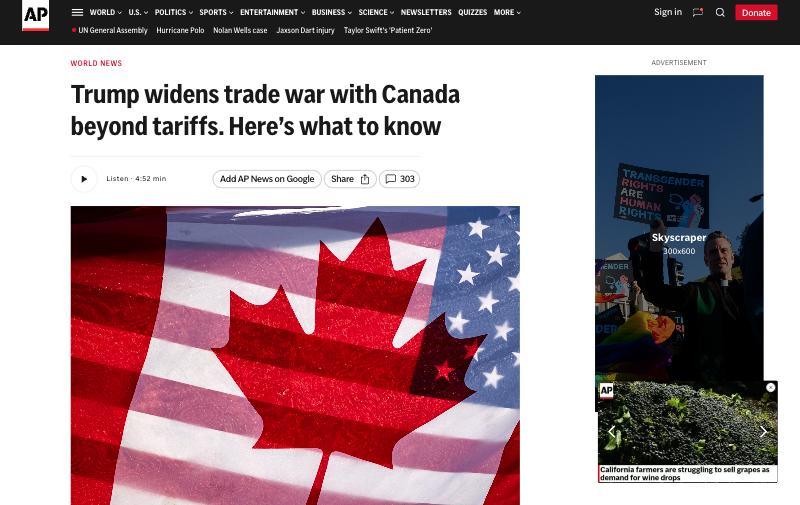 Primis, floating
Redesign: docked in the rail
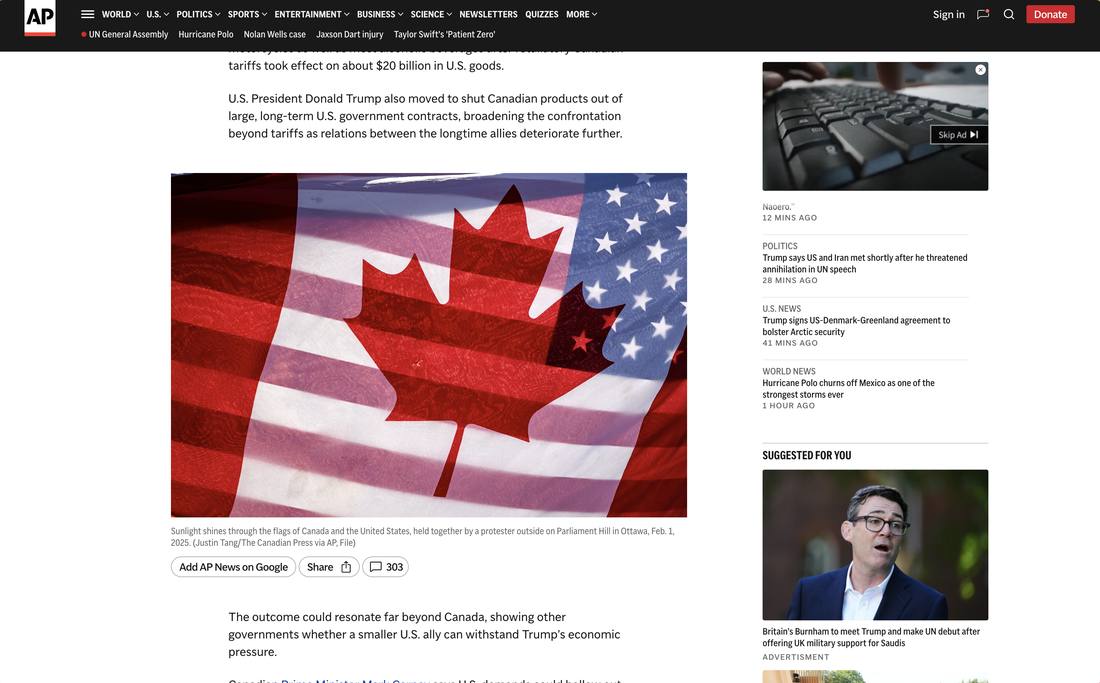 Primis, docked
Why this matters on desktop
Protecting the read did not cost inventory. It bought some.
On mobile, docking means the player stops covering the story. On desktop it means the player stops covering another ad. The obvious objection to a reading-first hierarchy is that it must come out of revenue, and on this page it does not.
Proposed direction
Dock the player.
Today the player sits on top of the reading experience and asks to be dismissed. Docked, it loads as part of the article and stays in view for the whole read without covering a word of it. The close button stays.
Section 5 · Prototype, refine, build
Prototyped in code. Finished in Figma. Built for real.
I built every part of the article page in code first, as a working prototype, using OpenCode. That let us judge each component with real content and real behavior before committing to a design.
From there I refined and finalized the designs in Figma and committed them to the system. Now they are being built into AP’s codebase, each one a fully functional component in Storybook, which becomes our coded library.
AP News Design System
Maple
Design system, in FigmaStorybook
Coded component library- 1Prototype in code
- 2Refine in Figma
- 3Commit to Maple
- 4Build in Storybook
What we coded, shown at true proportions and at one shared scale, so the sizes compare honestly. The parts not pictured are named below.
Slot Components
Composite patterns built from base elements. Slot components accept structured content and render it in a defined layout.Alert Bar
Campaign

Full-width red bar with one line of copy and an outlined pill button, here for Giving Tuesday.
Article Header
Left aligned
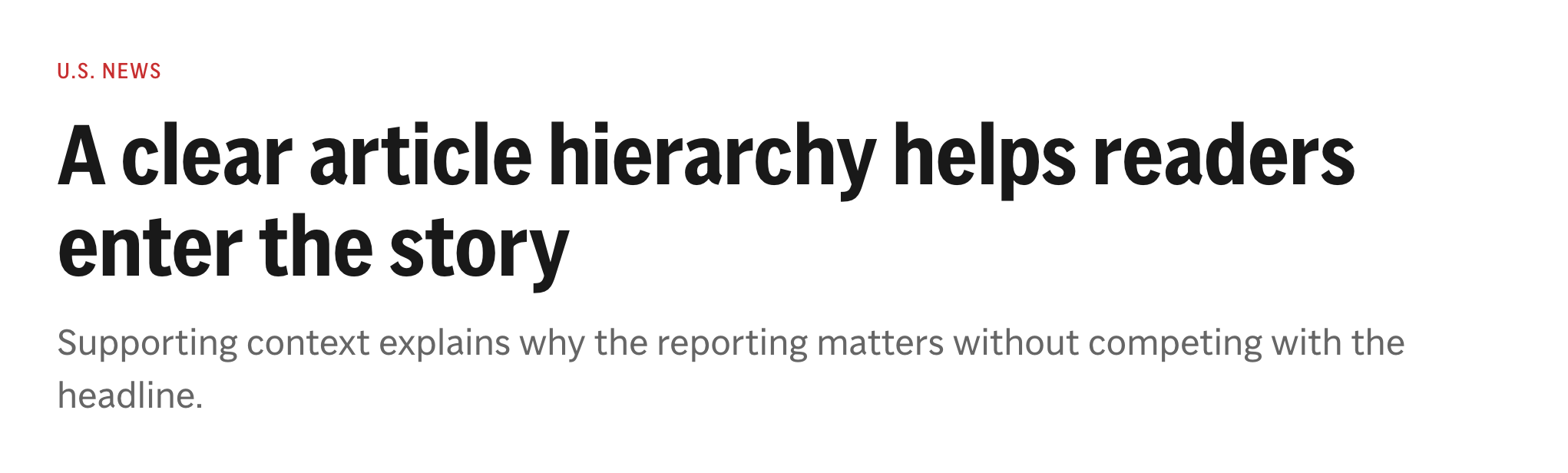
Red section eyebrow, condensed headline, and a gray dek beneath it.
Engagement Bar
Filled and Outlined
Google follow, Share, and a comment count, in both treatments at article width.
Byline
Stack, one author
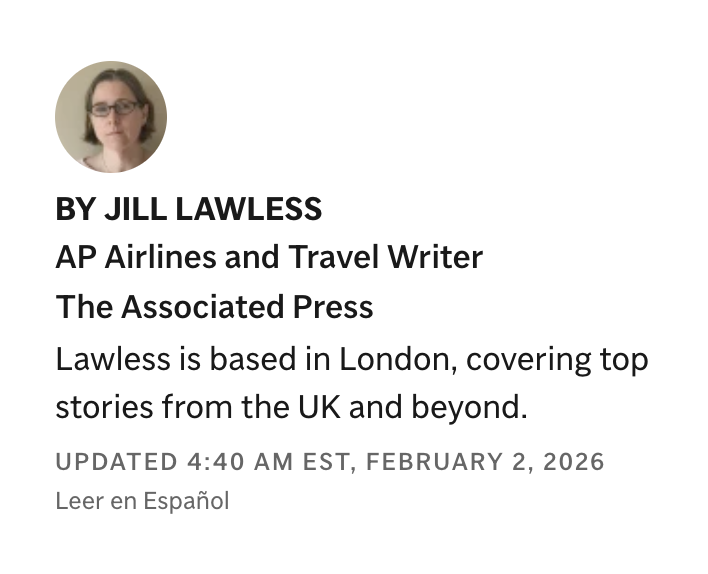
Photo, name, title, affiliation, bio, timestamp, and language link.
Audio Embed
XL, 622px

Inline audio player at the 622px article width.
Article Body
Lede emphasis
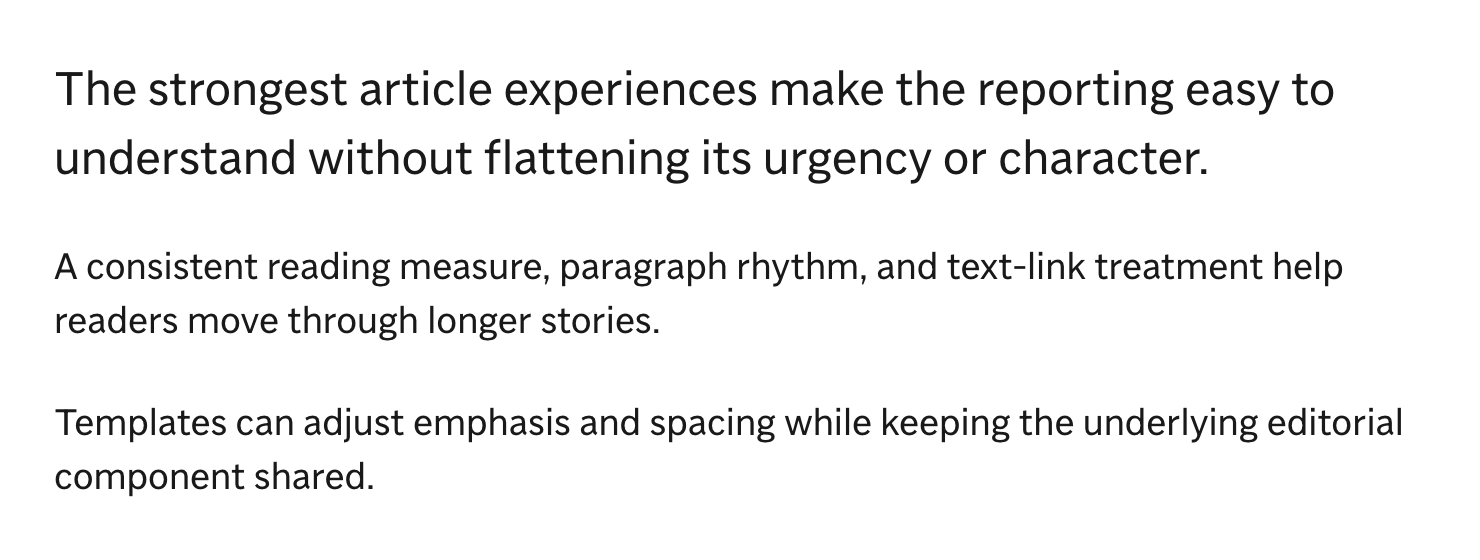
A larger opening paragraph, then body copy at the reading measure.
Pull Quote
Attributed
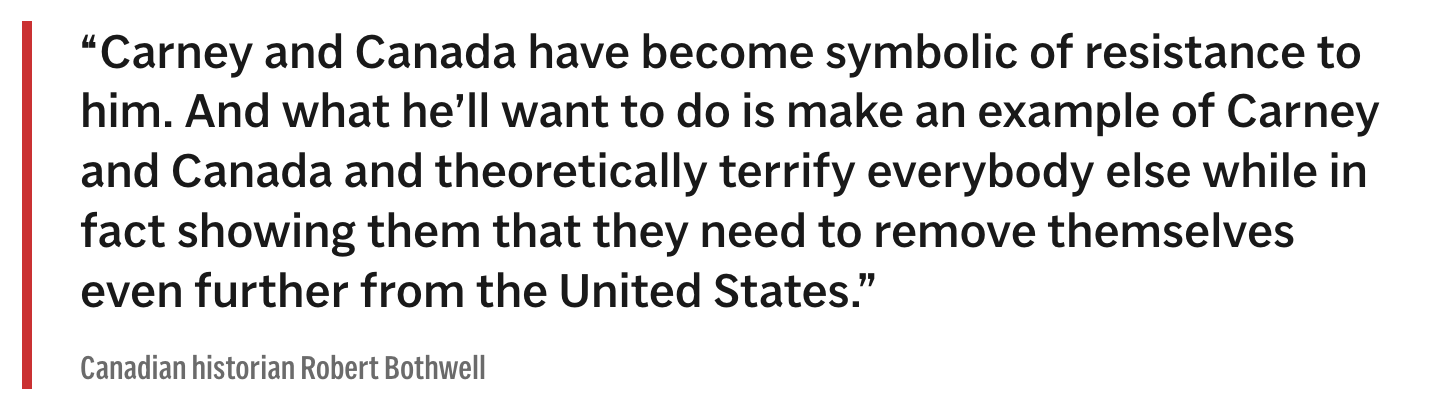
Red left rule, the quotation in body type, and the speaker in condensed type.
Article Image
Horizontal, 3:2

Lead photo with caption, credit, and a license link.
Article Image
Vertical
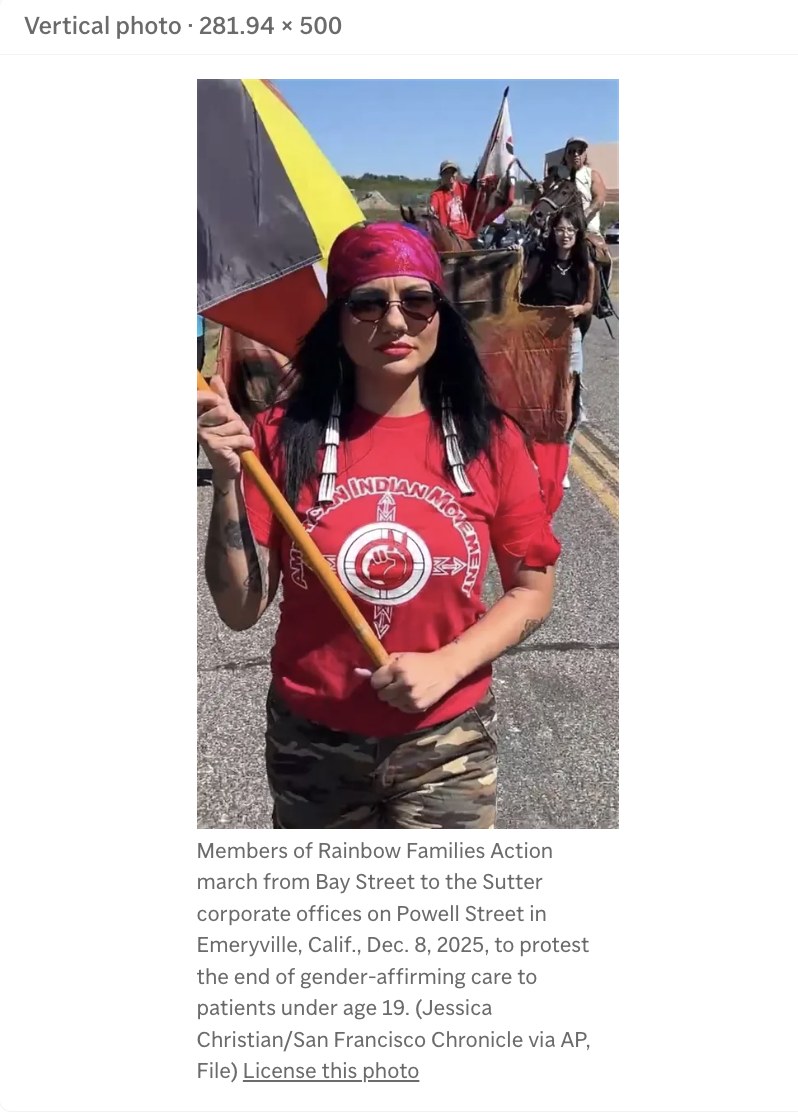
Portrait photo held at its own proportions, 281.94 by 500, with the caption beneath.
Primis
Docked
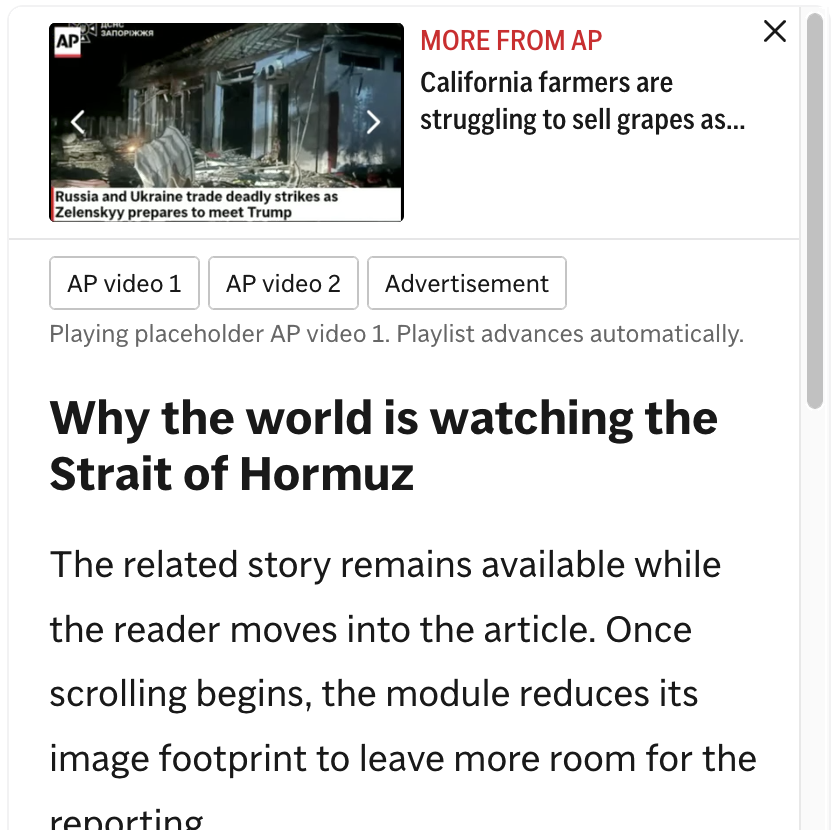
More from AP video with a playlist and close button, sitting above the article rather than over it.
Recirculation Module
Related Stories
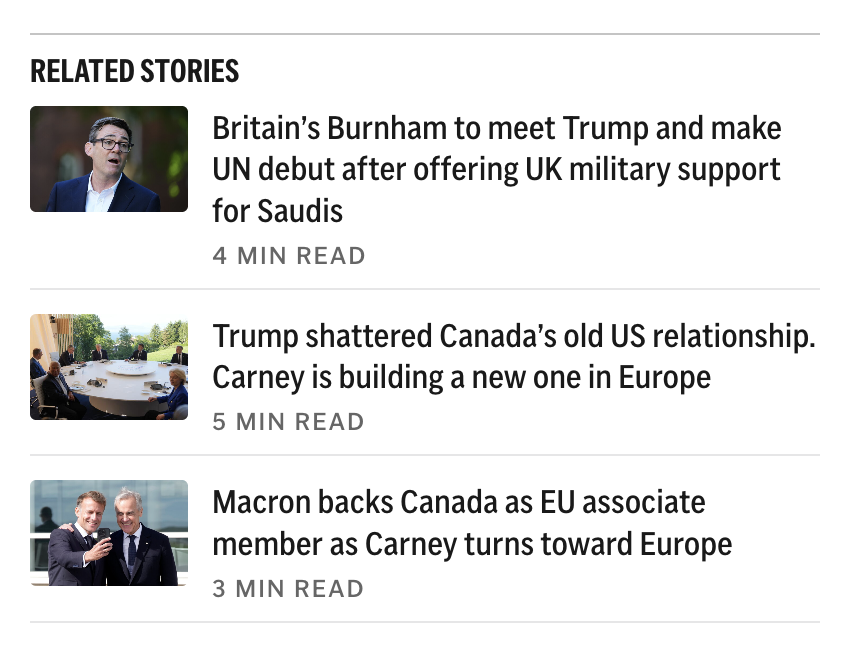
Three stories with thumbnails and read times.
App Promo
App Store

Headline, one line of copy, and the App Store badge.
Newsletter Signup
Expanded

Newsletter name, a one-line pitch, and a Subscribe button.
Newsletter Signup
Compact

Newsletter name with a single follow button.
Donation Card
Short appeal
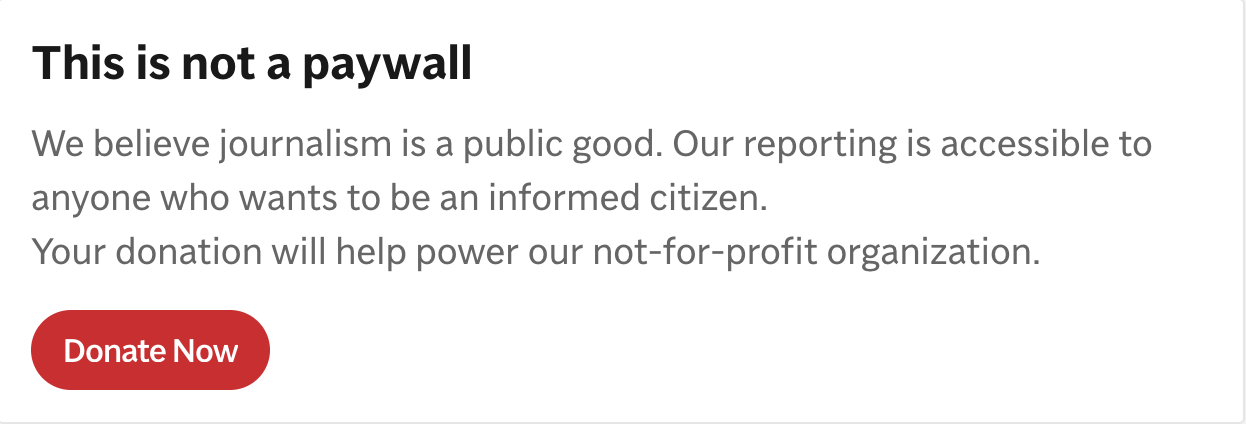
Headline, two lines of copy, and a Donate Now button.
Donation Appeal Card
Editor letter
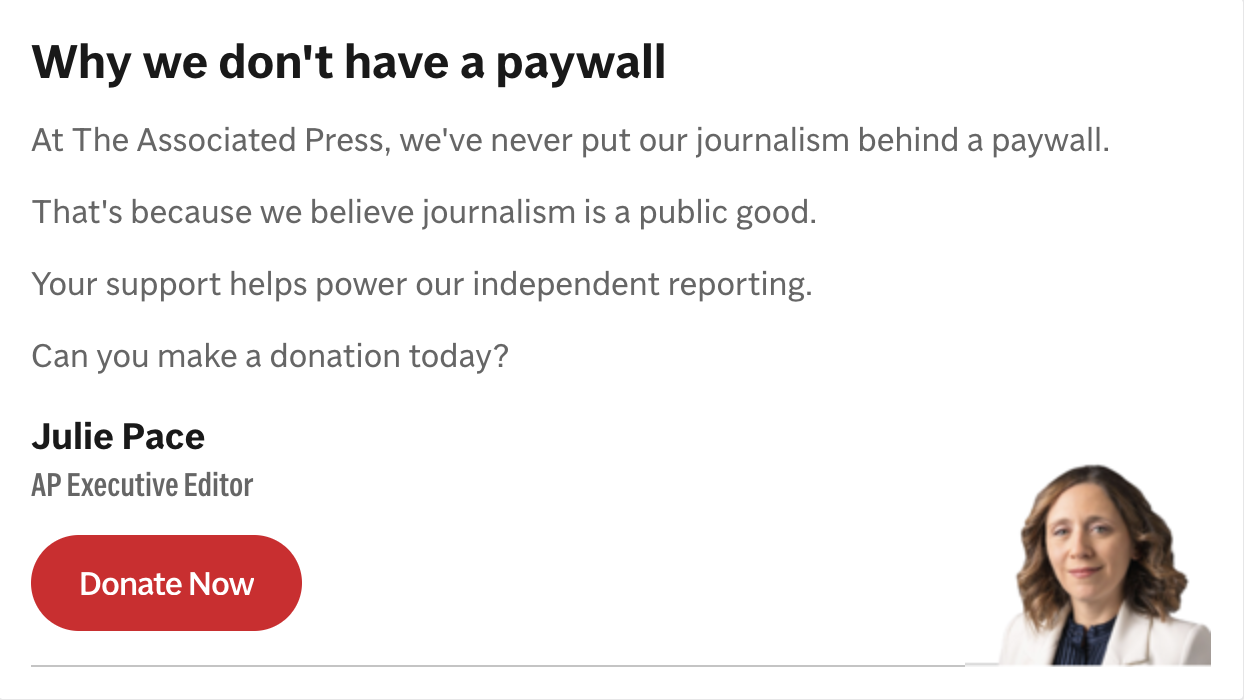
A signed note from AP Executive Editor Julie Pace, with her portrait and a Donate Now button.
Ad Unit
Rail sizes
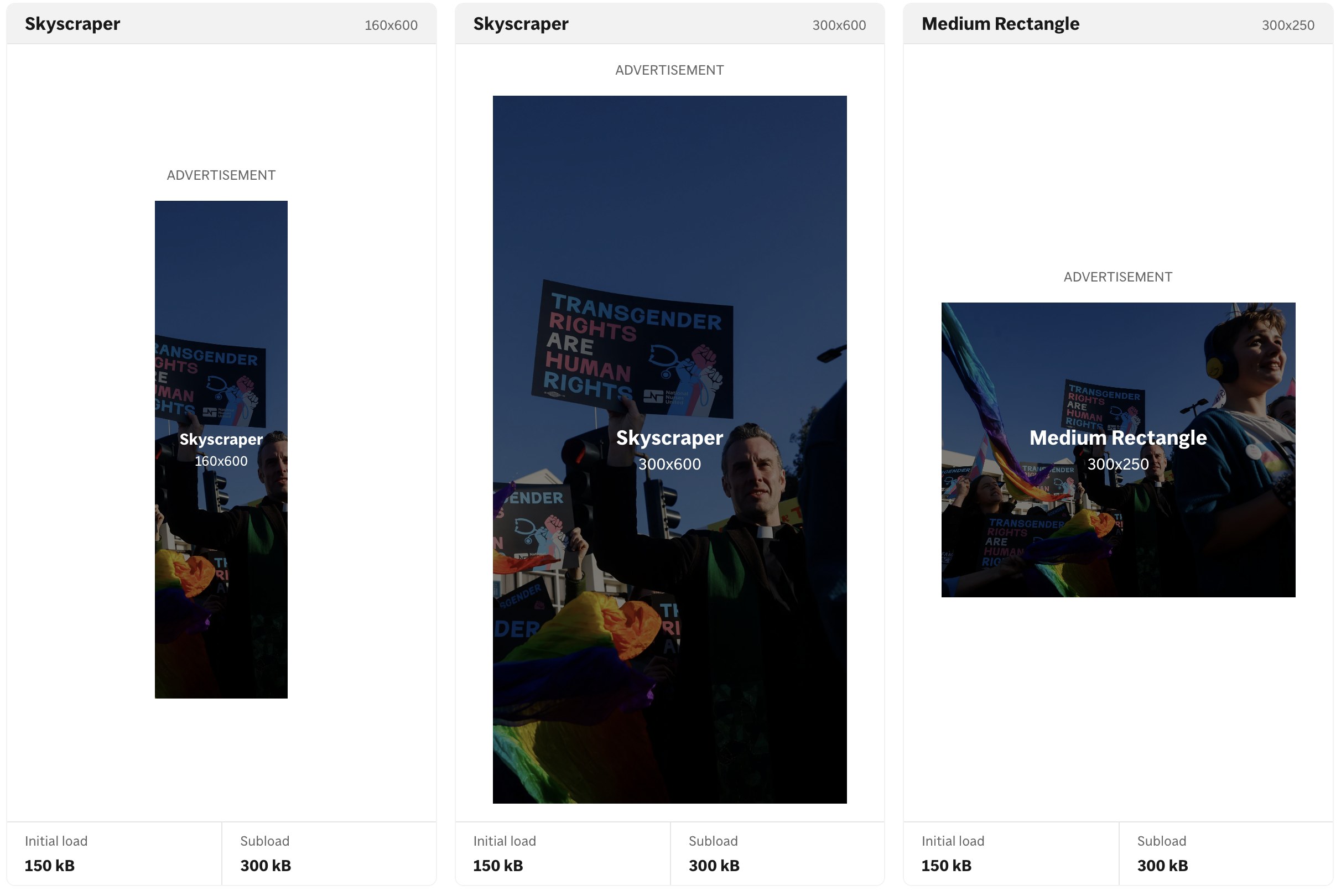
160x600 and 300x600 skyscrapers and a 300x250 medium rectangle, with initial load and subload budgets.
Also in the library:
Section 6 · From code to prototype
Code became an early design tool.
With the components built, assembling a whole article was composition rather than construction. Instead of waiting for a final handoff, I could put hierarchy, responsive behavior, modules and real article length in front of someone in a browser.
What we landed on is the visual system, measured against the live site. The two prototypes below are not a decision. They are the next round of tests, built so the questions the workshops left open can be answered against something real.
Two prototypes queued for testing
Scroll variants on mobile, both with the docked Primis player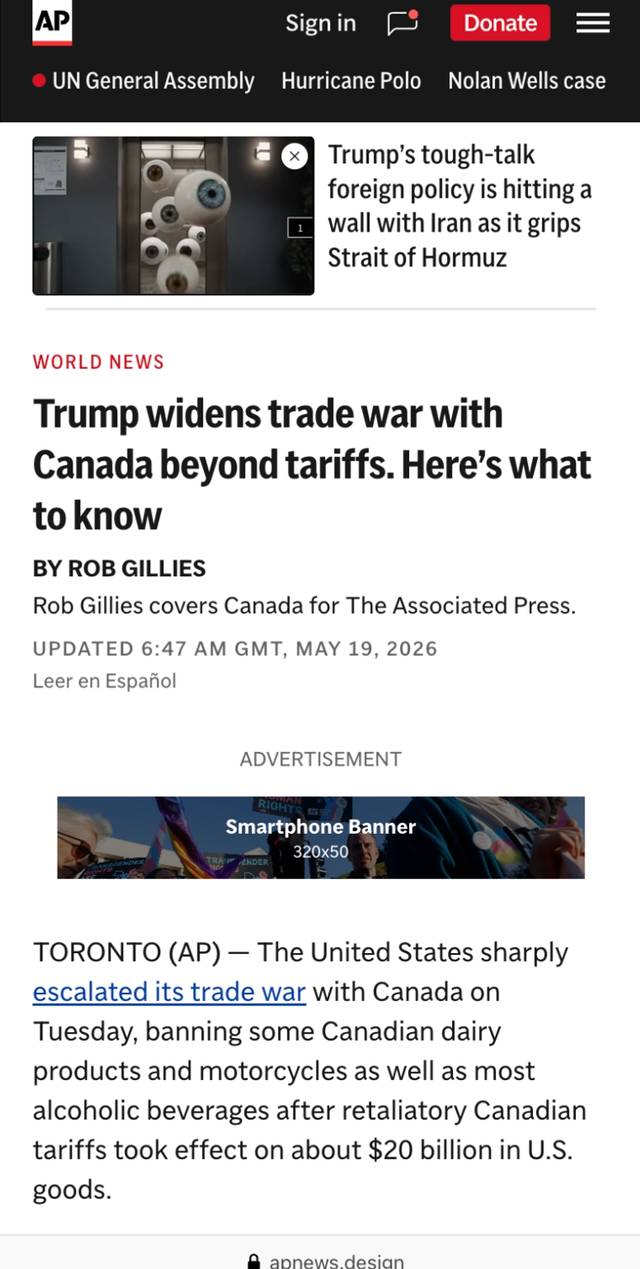
Reader First
Reporting takes the opening. Headline, byline, then straight into the story, with the 320x50 banner after the byline and media further down. Queued to test whether a bolder entry changes how far readers get.
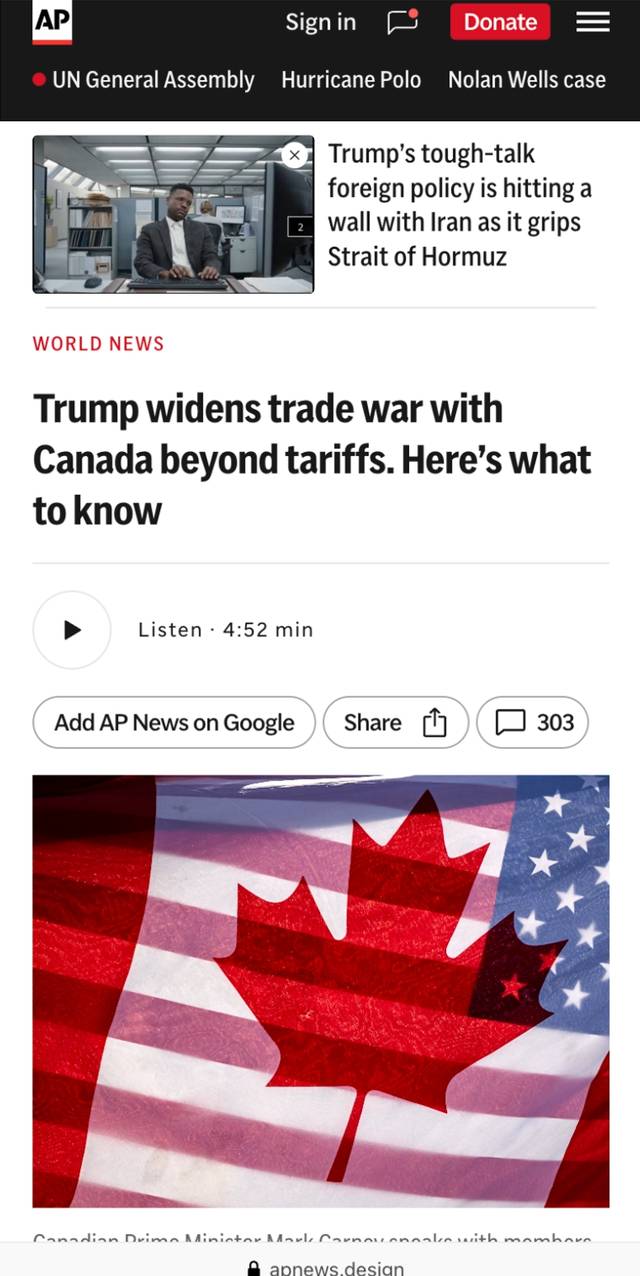
Natural Pause
Headline, then the listen player and share row, then the lead image. Modules land at the breaks rather than in the opening. Queued to test module placement, not styling.
How AI changed my process
I prototype in code before the idea feels finished.
- 1DecideA design question comes out of research or a workshop.
- 2Build in codeA production-like prototype, built with AI assistance.
- 3Show the teamEditorial, Revenue, and Engineering react to the real thing.
- 4ReviseCompare, adjust, and go again while the question is still open.
AI accelerated the making. Research and design judgment determined what was worth making.
Section 7 · From prototype to product
The prototype became the system.
The coded directions were not disposable demos. Working with Development, we translated the patterns into reusable Storybook components for AP's new headless front end.
Designers could now work with the same building blocks the product would use, making later experiments faster, more consistent, and easier to implement.
Design decisions became reusable product infrastructure.
View the live component libraryCross-functional delivery
Revenue
Donations and Ad Ops
Product
Design and Development
Editorial
Story structure and trust
Section 8 · Testing and outcome
Test the direction, not the taste.
I first tested preference to choose a direction, then used a live experiment to learn whether the new hierarchy changed behavior without damaging the business around it.
Both preference studies set a variant against the same control: the article page as it was live at the time of testing, not as it stands today. Eleven participants across the two.
Preference tells you which page people say they would rather read. It does not tell you what they do. Both results below are directional, which is why the prototypes in section 5 are still queued tests rather than a decision.
Preference test 1
Points toward a bolder, reading-first hierarchy. Directional, not decisive.
Preference test 2
Points toward a lighter entry and a more deliberate module rhythm. Directional, not decisive.
Live experiment
Positive movement on both goal metrics
More readers reached the article end and continued to another story. Guardrails remained clean.
Across both studies, 1 of 11 participants chose the control. That control is the page as it was then, so the comparison is against what readers were getting at the time rather than against anything currently shipping.
What this project changed in my practice
Design the collaboration. Then design the page.
The strongest artifact was not a screen. It was a shared way for teams to see tradeoffs, make decisions, and carry those decisions into code.
Figma, AI-assisted prototyping, Storybook, and the live component library became one connected design workflow, not separate handoffs.